


Track time, budget, and schedule against the plan
Get weekly briefs and monthly reporting automatically, with live reports for planned time, workload, budget tracking, EAC, backlog, role demand,and variance.
Firms don’t lack data.
They lack a clear way to see how the work is tracking to plan.
Financials live in the ERP. Project management lives in spreadsheets. Schedules live somewhere else. BI handled by someone else. By the time someone pieces together time, budget, and schedule performance, the project has already drifted.
Resource analytics only works when the plan and the actual stay connected
ERPs Show Closed History
ERPs show closed financial history, but they’re not built to show managers how projects are tracking while work is still moving.
Spreadsheets Freeze the Picture
The numbers may look polished, but they depend on exports, manual updates, and disconnected files that are already falling out of date.
Mosaic Turns Planning Data into Live Intelligence
Utilization, backlog, role demand, budget tracking, EAC, and variance stay connected in one system.
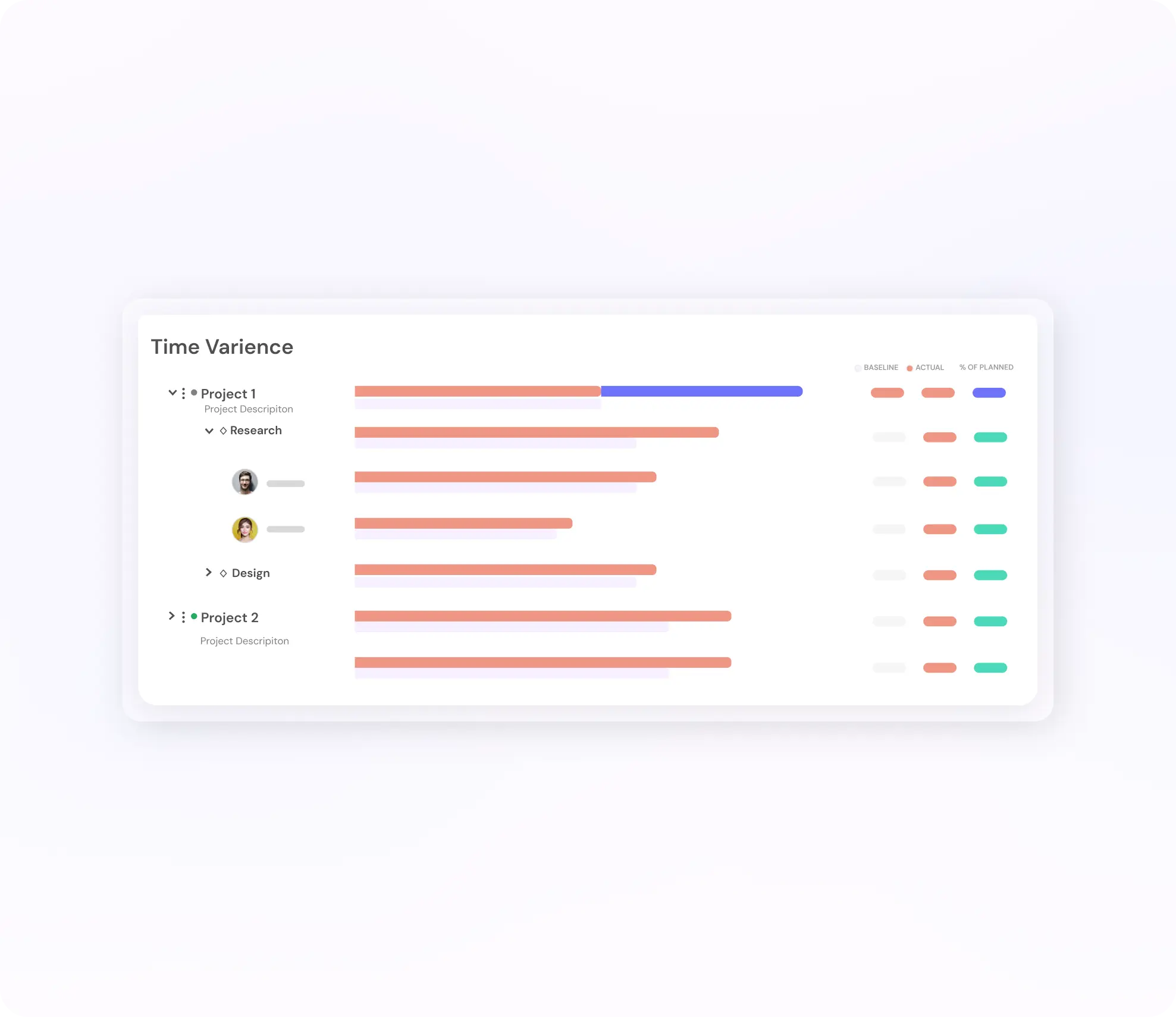
This is where putting everything together becomes useful
Schedule variance — See how the actual schedule is moving against the baseline without manually rebuilding schedule history.
Time variance — Compare planned or budgeted time against spent time by project, member, or role to see where estimates were off.
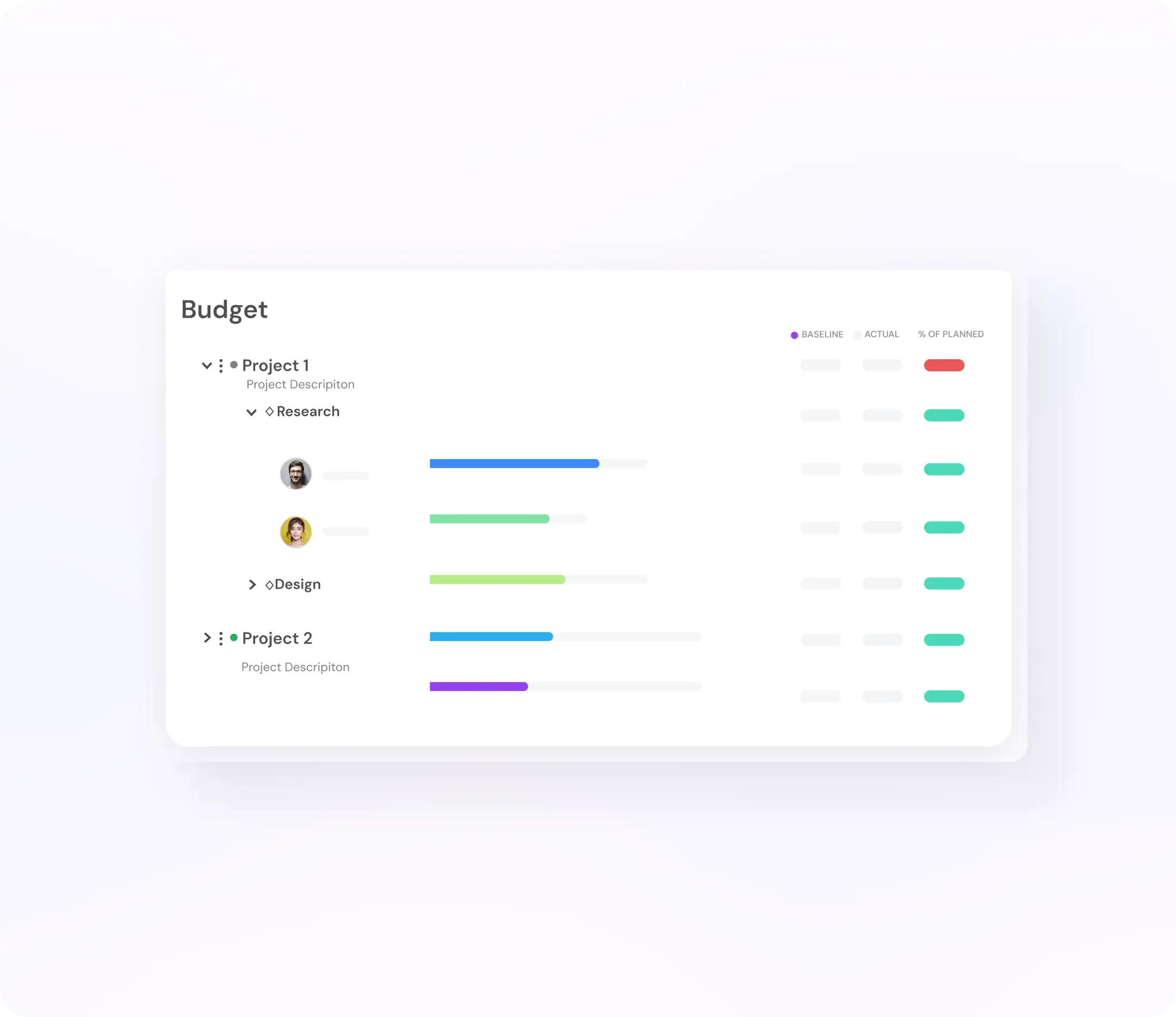
Budget variance — See whether projects are burning ahead or behind budget and learn how actual performance compares with what was planned.
- Schedule Variance
- Time Variance
- Budget Variance
Reports that track the plan against reality
See where projects are tracking to plan, where they’re moving off course, and what needs attention next.

Planned
See what’s been scheduled across the firm and how planned time compares to available capacity by team, role, or office.

Workload
See how work is distributed across people and teams so overscheduling and underutilization are visible before they become problems.

Budget
Track spent, planned, and remaining budget across projects and phases so teams know where they stand before overruns happen.

EAC
See where total hours or currency are projected to land based on current trajectory—not just where the project started.

Variance
See where reality is tracking to plan and where it’s moving off course across schedule, time, and budget.

Utilization
Compare planned utilization against actual across the firm to separate busy from productive and see where capacity is really going.
Profit leaks at the people level
Underpriced roles. Overallocated teams. Unprofitable client segments. Margin erodes long before a project closes, and most firms don’t see it until the damage is done. Mosaic ties utilization to financial outcomes at the role, team, skill, and client, so leaks surface the moment they start.
- Margin Leak Detection
- Underpriced Roles
- Client Segment Analysis
- AI Pattern Detection
See the bigger picture, then drill into the details
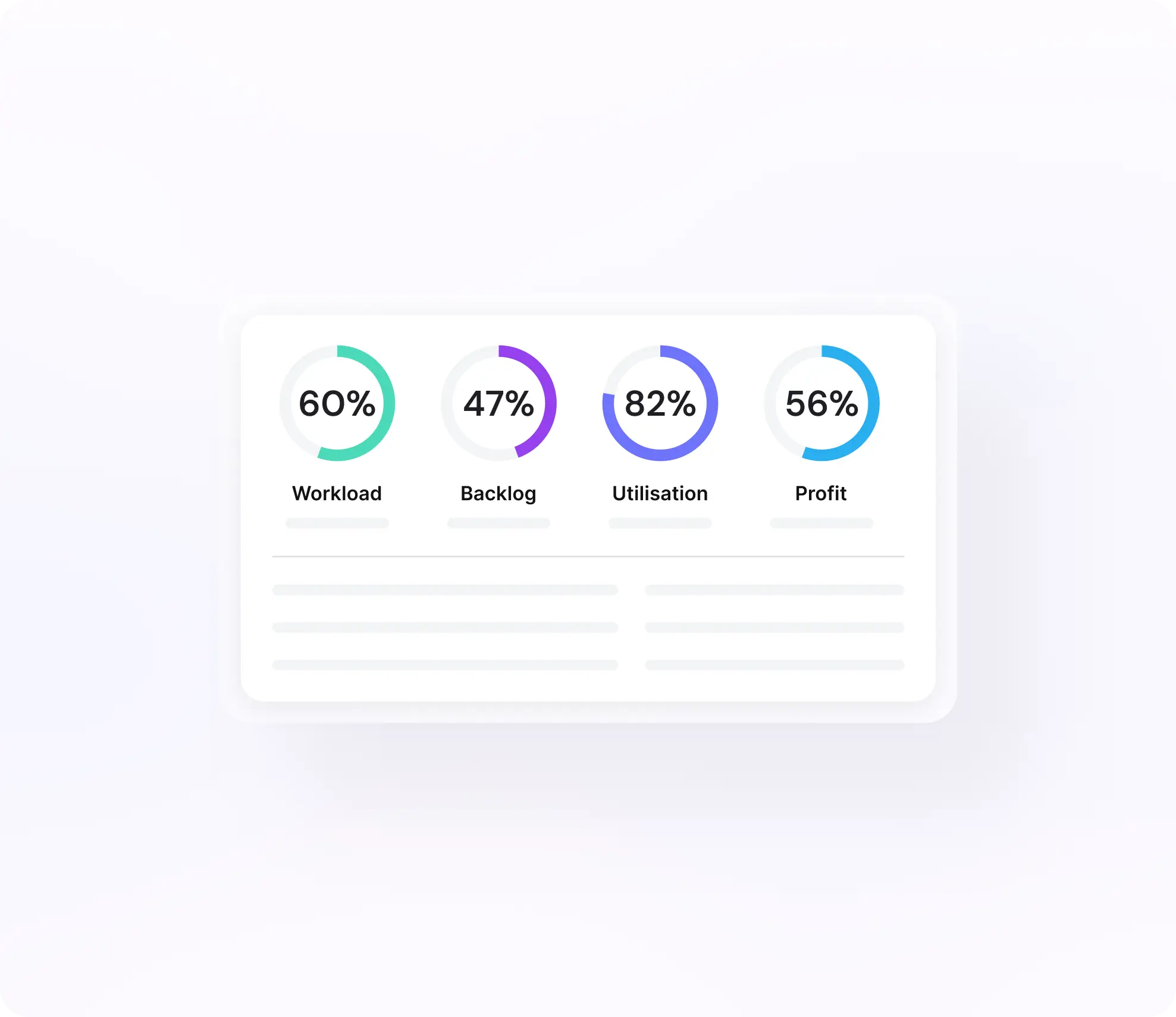
Mosaic’s dashboards let leaders see the bigger picture with real-time visibility into key performance metrics and quickly drill into the details.
Instead of bouncing between tabs, exports, and BI layers, teams can move from the firm view to the office, team, project, or role view in one place.
That’s what turns analytics from passive reporting into an operating tool.
- Firm View
- Office & Team
- Project & Role
- Real-Time
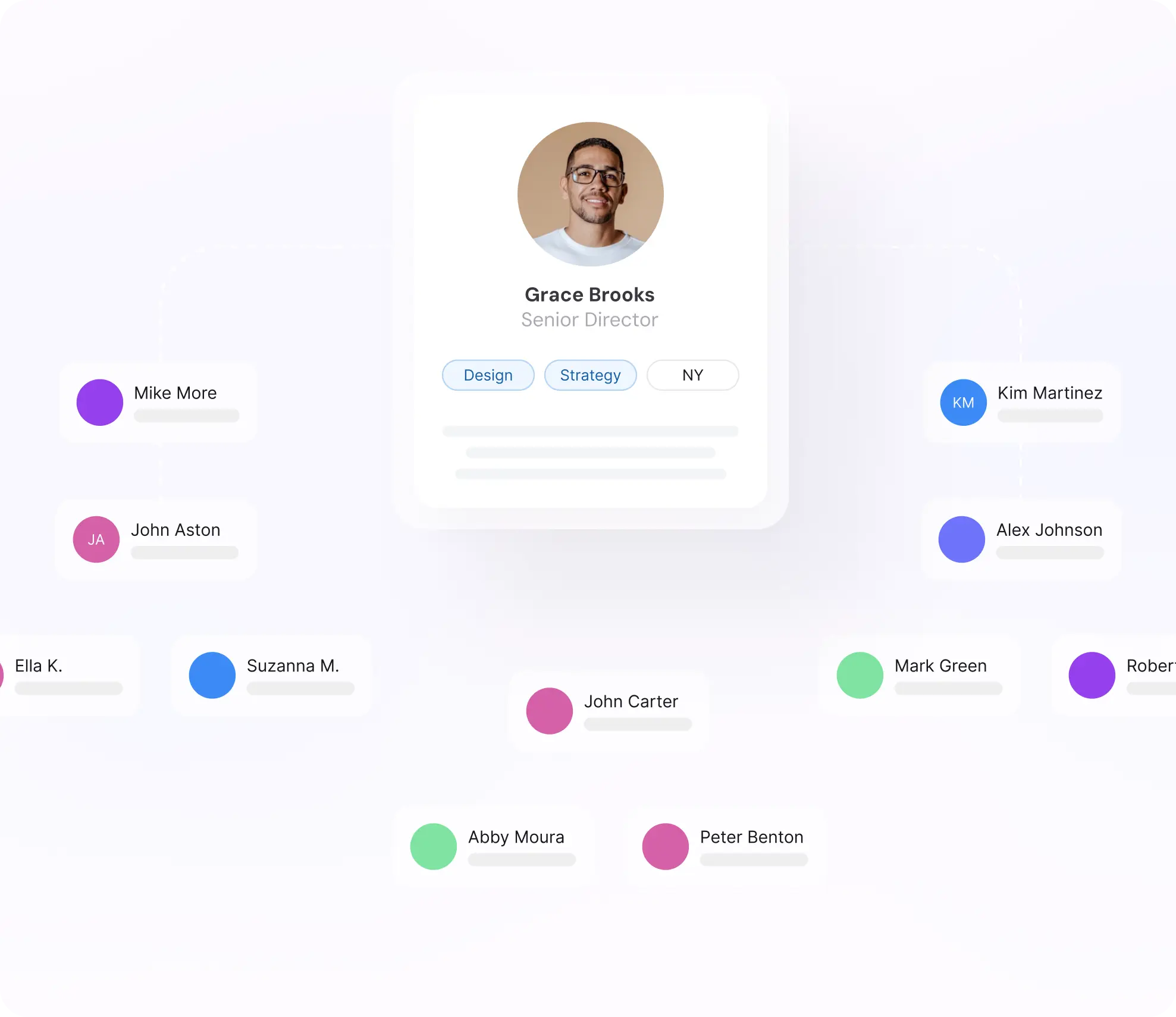
Know where you stand—against the industry and yourself
Knowing utilization is 62% means nothing without context. Mosaic benchmarks your metrics against other similar firms, so leaders can see where the firm outperforms and where money is being left on the table.
Internal benchmarking compares departments, offices, and teams against each other. Trend tracking shows whether things are improving quarter over quarter. Targets get set from data, not last year’s spreadsheet.
- Industry Benchmarks
- Internal Comparisons
- Trend Tracking
- Data-Backed Targets
Turn planning data into weekly briefs and monthly reporting
Most firms don’t need more dashboards. They need a clearer picture of what changed and where time, budget, and schedule stand against the plan.
Mosaic's AI turns planning data and actuals into automated weekly briefs and monthly reporting so teams can stay ahead of workload, delivery, utilization, and variance issues without waiting for a manual report cycle.
- Weekly Briefs
- Monthly Reporting
- Prescriptive Recommendations
- AI-Powered
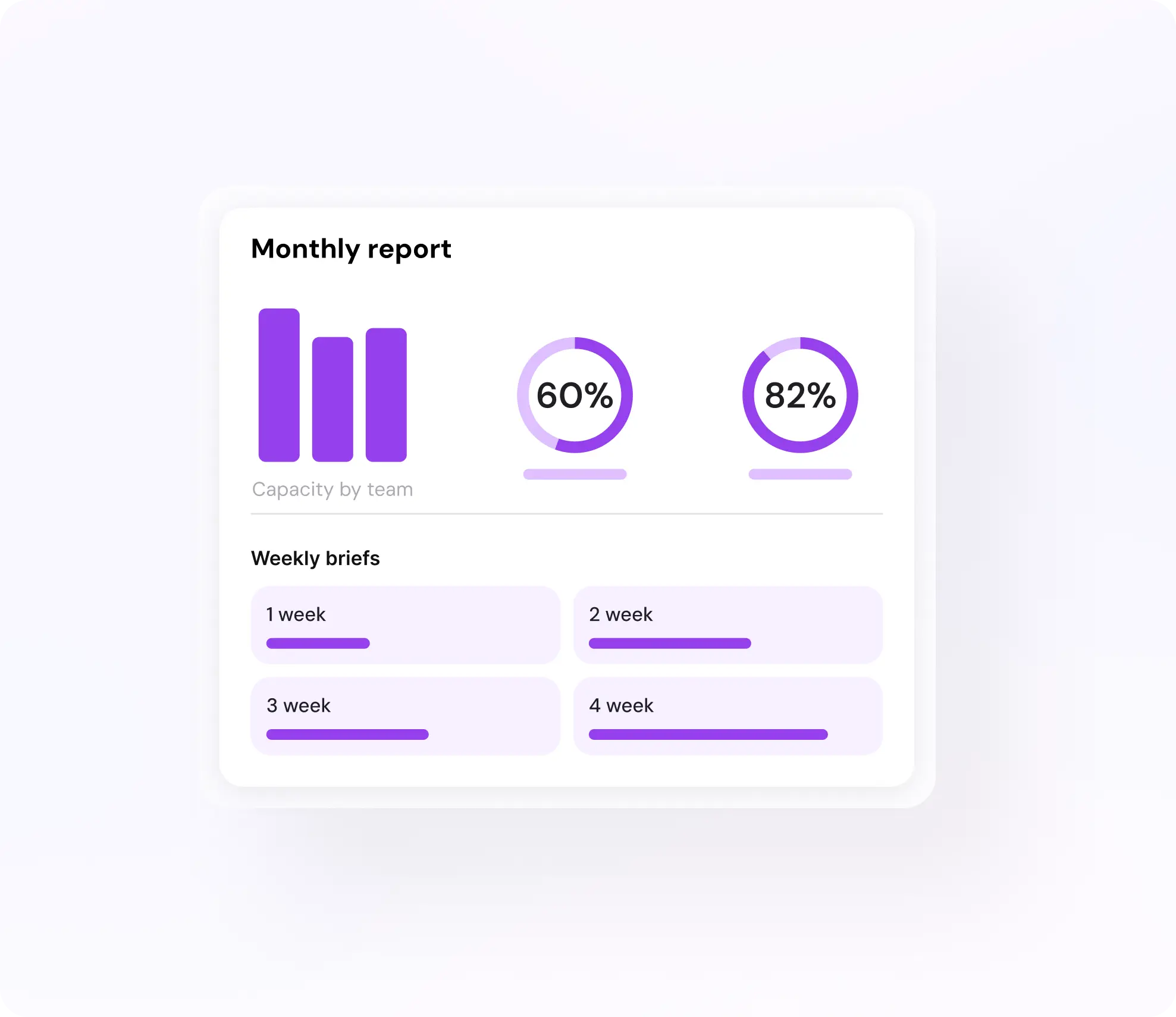

Weekly briefs
See what changed, what needs a decision, and where workload, schedule, budget, or margin is starting to drift.

Monthly reporting
See bigger patterns across delivery, workload, utilization, and variance so leadership can understand where the business is tracking to plan, where it’s moving off course, and what needs attention next.

Prescriptive recommendations
Hiring signals, redeployment opportunities, rate adjustments, and project-selection shifts surfaced automatically from demand, capacity, and financial data.
Reports that replace the Monthly ritual
Define the standard reports once and Mosaic delivers them on schedule—weekly utilization summaries, monthly board packs, quarterly reviews—without anyone building them by hand.

Scheduled Delivery
Daily, weekly, monthly, or event-triggered reports routed automatically to the right inboxes—no manual compilation.

Alert-Triggered
A budget breach, a utilization drop, or a hiring gap fires a report instantly—so teams act on issues instead of finding them later.

Configurable Reports
Slice by role, team, skill, department, office, client, PM—and more. Export to PDF or Excel, or connect Tableau, Power BI, and Looker directly.
A live analytics system built on the plan, not just the close
Most firms don’t avoid analytics because they don’t value visibility. They avoid it because getting answers means chasing exports, rebuilding spreadsheets, and piecing together data that’s already out of date. Mosaic is a live analytics system built to show where things are drifting while there’s still time to act.

Planning-First
Analytics are built on live planning data, not only closed accounting data.

Variance-Aware
The system is built to show where reality is tracking to plan and where it’s moving off course.

Forward-Looking
EAC, backlog, workload, and role demand help leaders understand what the business is on track to do next.
A clearer view of the business— tailored to where you sit
Resource analytics turns resource management from a reactive, fragmented process into a strategic function. What that looks like depends on your seat at the table.

For Executives
Portfolio workload, utilization, and revenue in one view. Hiring and cross-office/department performance without waiting until end of month.

For Your COO
Utilization and capacity dashboards that show where ops efficiency is improving and where it isn’t. Staffing metrics that connect headcount decisions to financial outcomes.

For Your PMs
Budget health visible without asking finance. Scope and timeline status without compiling a status report. Early warning the moment a project drifts from plan.
Firms typically see the shift from reactive to strategic within the first 90 days—with measurable gains in utilization, margin, and hiring efficiency.
The same planning data behind Mosaic’s analytics also powers forecasting
Time, budget, schedule, backlog, and role demand signals all feed project, department, and organization-wide forecasting—turning signals into a clearer view of future workload, revenue, and hiring.

Analytics sits on top of planning, allocation, and capacity
Resource analytics is only as good as the three things feeding it. Outdated plans make variance meaningless. Disconnected allocation pushes teams out of sync the moment work changes. Missing capacity data makes utilization numbers abstract.
Keep them connected and current, and analytics becomes an operating tool. Let one drift, and the reports drift with it.
.png)

Resource analytics is how firms see where things are drifting before the damage is done
Mosaic turns planning data into live dashboards, variance reporting, and AI-powered operational briefs so leaders can understand what changed, what it means, and what to do next.
One platform.
Every planning dimension.
Resource Planning
Plan better
Capacity Planning
Manage Workload
Resource Allocation
Build Teams
Resource Analytics
Understand Your Talent
Headcount Planning
Revenue & Headcount Planning