

Resource planning with NetSuite
Mosaic, an AI project and resource planning tool, plugs into NetSuite, so professional services firms can plan who works on which client project, week by week. NetSuite keeps the books. Mosaic plans the work.
What resource planning software integrates with NetSuite for a professional services firm?
Mosaic plugs into NetSuite, and professional services firms use it to plan who works on which client project, week by week, while NetSuite stays the system of record. So Mosaic isn’t an alternative to NetSuite; it’s the planning tool firms on NetSuite add, starting from what’s already set up there.
ERPs record what happened. Mosaic helps you run the firm.
Mosaic plugs into your ERP. Consultancies, engineering firms and other professional services firms keep running NetSuite the way they do today, and planning gets its own place, which project managers open every week.

What does Mosaic read from NetSuite?
Mosaic reads projects, phases, people, roles, budgets and fees, and time from NetSuite, so nobody keys them into a second system. The books stay in NetSuite, the system of record, while planning, staffing and forecasting happen in Mosaic, where every project manager works from the same plan.
A bi-directional NetSuite integration is coming soon.
Mosaic pulls from NetSuite four times a day. For core data, the connection can refresh as often as every minute.
| The work | Where it happens |
|---|---|
| Billing and accounting | NetSuite, the system of record |
| Who works for which client, week by week | Mosaic |
| Each engagement by phase, with roles, hours and budget | Mosaic, on the timeline |
| Planned against actual hours, and utilization by person and role | Mosaic |
| Revenue and hiring forecasts from the live plan | Mosaic |
Do professional services firms on NetSuite use a separate project planning tool?
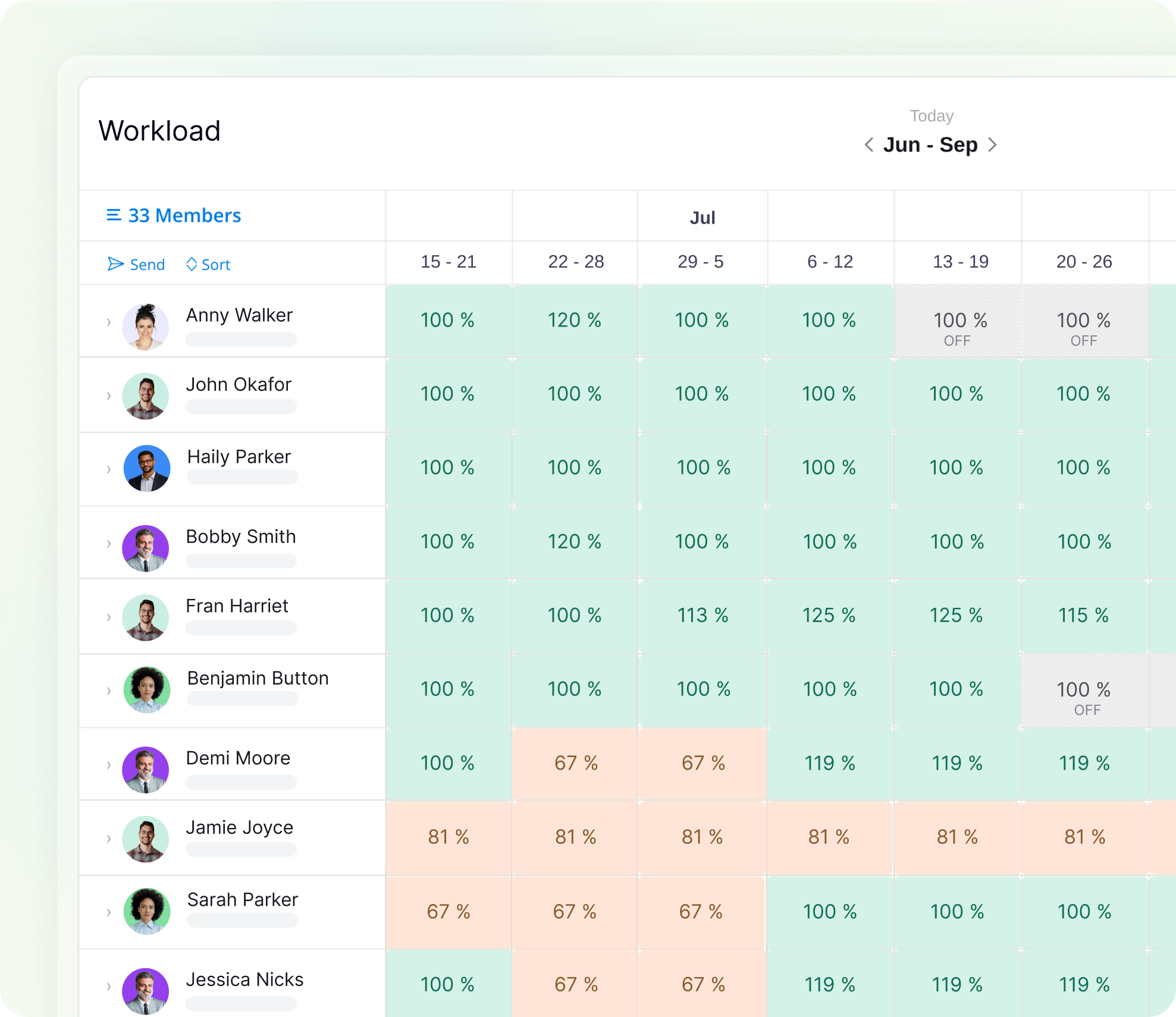
Many do, because an ERP is built to record what already happened, and planning the weeks ahead needs a plan every project manager updates as engagements start, move and end. In Mosaic, every engagement and person sits in one view, so practice leads see who’s free, who’s overloaded and where a project is short, weeks ahead.
Firms on Mosaic plan 80% or more of their billable staff capacity, against under 50% at typical firms planning on ERPs and spreadsheets.
Resource planning for project-based businesses
What project management software works with NetSuite?
Mosaic does project management as well as resource planning: project managers plan each engagement by phase, with the schedule on the timeline, hours by role, the people and the budget. Retainers, fixed-fee projects and SOWs each carry their own budget in hours or fees, so a project manager sees which engagements are using theirs faster than planned.
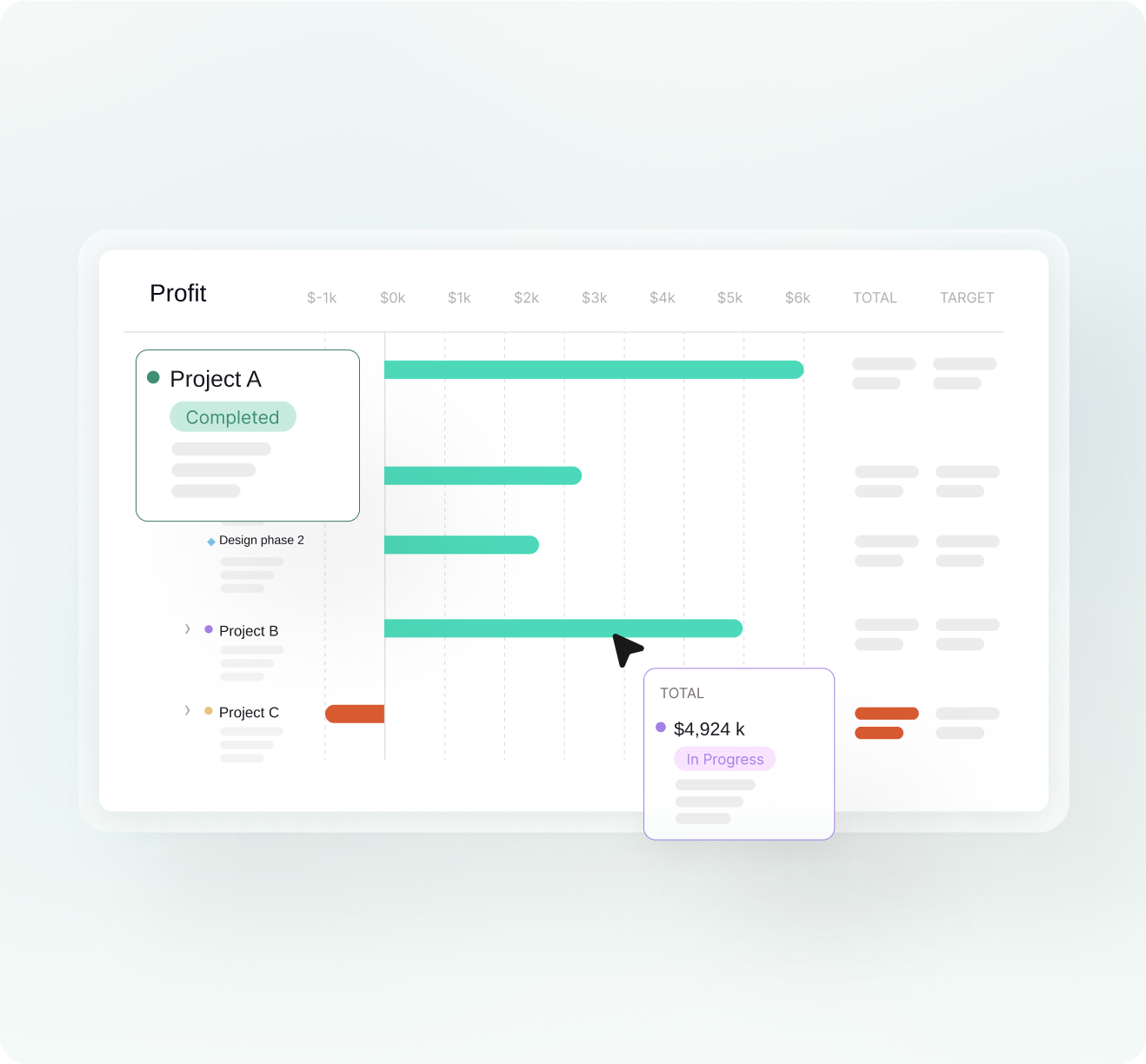
Planned hours sit next to actual hours, and profit by project shows partners which engagements need attention. When a phase slips, Mosaic’s patented automatic rescheduling moves the work after it.
How do consulting firms on NetSuite manage utilization and billable targets?
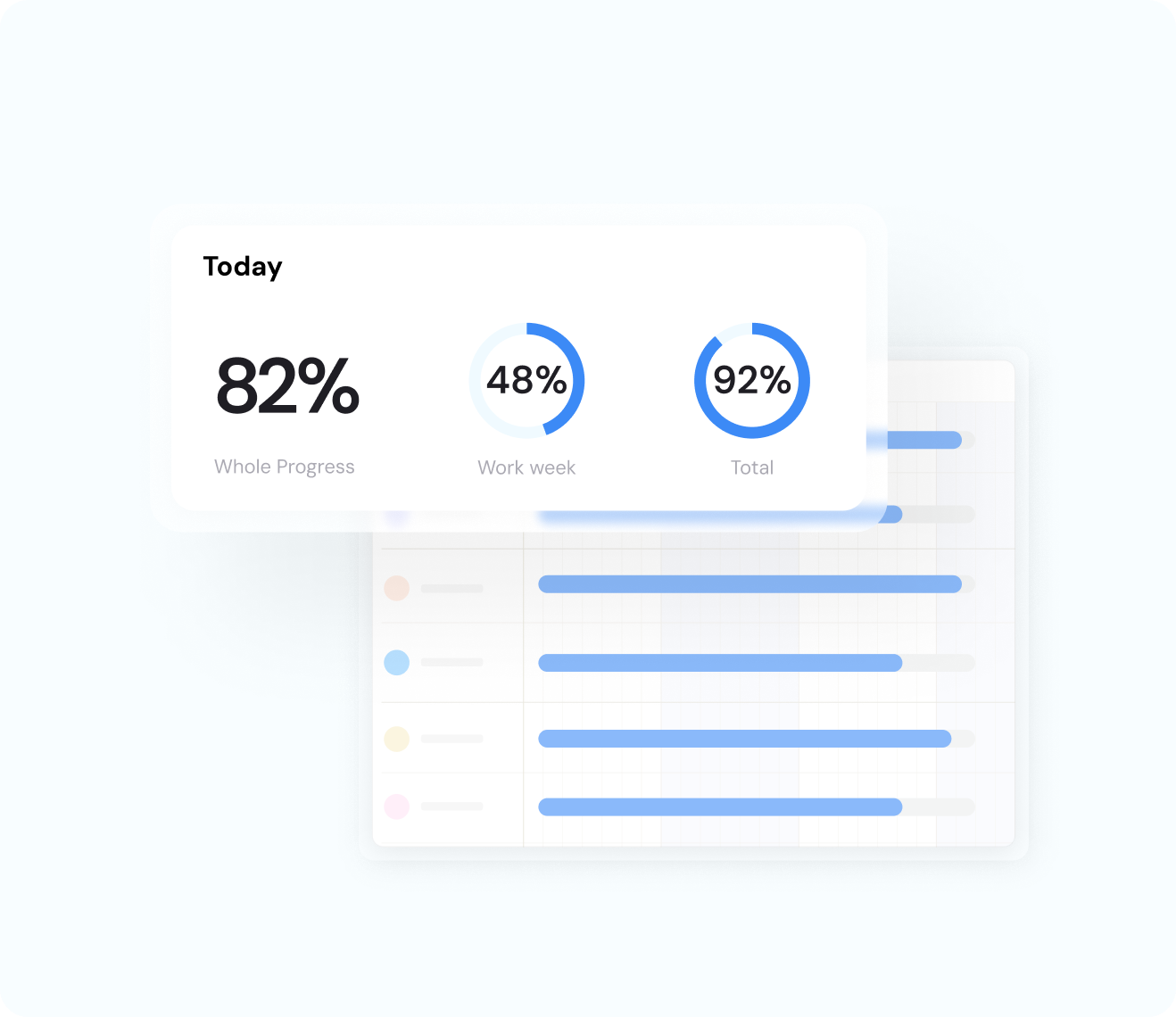
Consulting firms on NetSuite plan each person’s billable and non-billable time weeks ahead in Mosaic, then compare planned utilization with actual by person, role and team. A gap against a billable target then shows up while there’s still time to fill it.
Planning is the key to increasing utilization. Chello, Mosaic’s AI planning assistant, asks each manager for updates in Microsoft Teams, and one reply gets the plan to match reality.
What is utilization rate?

“You’re not just selling us gym equipment. You’re giving us a gym membership and personal training: the equipment, the training and the knowledge to use it, and a strategy to get to success.”
What should IT check before connecting NetSuite?
IT at a firm on NetSuite usually checks the vendor’s security certification, what the connection reads, who can see and change what, and who keeps the connection running. Mosaic is SOC 2 Type II, reads what planning needs from NetSuite, and owns the upkeep of the connection, so it doesn’t land on your IT team.

What it reads
Projects, phases, people, roles, budgets and fees, and time, read from NetSuite. NetSuite stays the system of record.

Where it runs
Mosaic connects to NetSuite in the cloud.

Sign-in and audit
Single sign-on, granular permissions, an activity log and approvals, for every customer.

Permissions
Your firm decides who can see and change the plan. Access defaults to locked, and planning gets gated.

Security
Mosaic is SOC 2 Type II, and the report is on Mosaic’s Trust page.
Upkeep
Proprietary integrations serving hundreds of firms. If a platform changes their API, we fix it, not you.
What results have firms seen from planning in Mosaic?
Mosaic’s published results come from architecture and engineering firms: CetraRuddy went from 77% to 90% utilization and had its best year in 38 years. CPL spends 75% less time managing resources, and at CESO, an engineering firm, production-staff utilization rose 2 points.
Source: CetraRuddy, CPL and CESO, architecture and engineering firms on Mosaic
90%
utilization at CetraRuddy, up from 77%
75%
less time managing resources at CPL
+2
points of production-staff utilization at CESO
How is Mosaic priced for a consulting firm on NetSuite?
Mosaic is priced in three annual parts: a per-seat subscription, a platform fee and the NetSuite integration, which Mosaic owns and maintains. Onboarding and implementation is a one-time cost, scoped to the firm’s rollout, and the team sets out all of it in one quote. Firms who plan on Mosaic typically see 10 to 20x ROI in a full year.
The per-seat rate steps down as headcount increases, and the platform fee funds onboarding, training, a Customer Success Manager, support and hosting.
Full-priced annual contracts are backed by a 5x money-back guarantee. Speak to the team to learn more.
What else do firms on NetSuite ask?
Does Mosaic integrate with NetSuite?
Yes. Mosaic plugs into NetSuite and reads what planning needs, and NetSuite stays the system of record.
Do we keep running billing and accounting in NetSuite?
Yes. NetSuite keeps the books, and Mosaic plans the work: who works on which client project, week by week.
Can we plan retainers, fixed-fee projects and SOWs?
Yes. Each engagement sits in one plan with its own budget in hours or fees and the people on it, alongside each person’s non-billable time.
Does Mosaic work in Microsoft Teams?
Yes. Chello in Microsoft Teams asks project managers for updates and answers questions about the plan, and one reply gets the plan to match reality.
Is Mosaic SOC 2 Type II?
Yes. Mosaic is SOC 2 Type II, and access defaults to locked, so each person sees only what their permissions allow.
How long until we’re planning in Mosaic?
Firms are integrated, trained and live in 30 to 60 days. That window includes connecting NetSuite.
Book a 20-minute demo
See who’s free next month across your NetSuite projects and clients, and what’s coming after that.