

Resource management software for consulting firms
A consulting firm earns its margin by staffing the right consultants on each engagement and keeping the bench short. That takes a plan of every consultant’s next few months, not last month’s utilization report. Mosaic, an AI project and resource planning tool, plans every consultant across every engagement, suggests who fits each role and forecasts revenue and hiring from the plan.
Mosaic fits consulting firms that sell their consultants’ time, by the hour or on fixed fees, and staff engagements across practices and offices. We make Mosaic, so this page sets out where it fits.
What do consulting firms need from resource management software?
A view of who rolls off and when, staffing by skill across practices, roles planned before names, and forecasts the partners can trust.
| What matters | Spreadsheets | Mosaic |
|---|---|---|
| The bench | Found out when someone is already free | Who rolls off next, weeks ahead, by skill and role |
| Staffing | Calls and emails across practices | AI suggests consultants by skill and availability, across practices and offices |
| New engagements | Planned once the client signs | Roles and hours planned before names, from the pipeline |
| Utilization | Reported after the month closes | Projected by consultant, practice and office |
| Hiring | Decided when people are already overloaded | Demand by role against capacity shows when to hire |
| Switching | Months of setup | Integrated in days, trained and live in 30 to 60 days |
How do consulting firms manage the bench and see who’s rolling off?
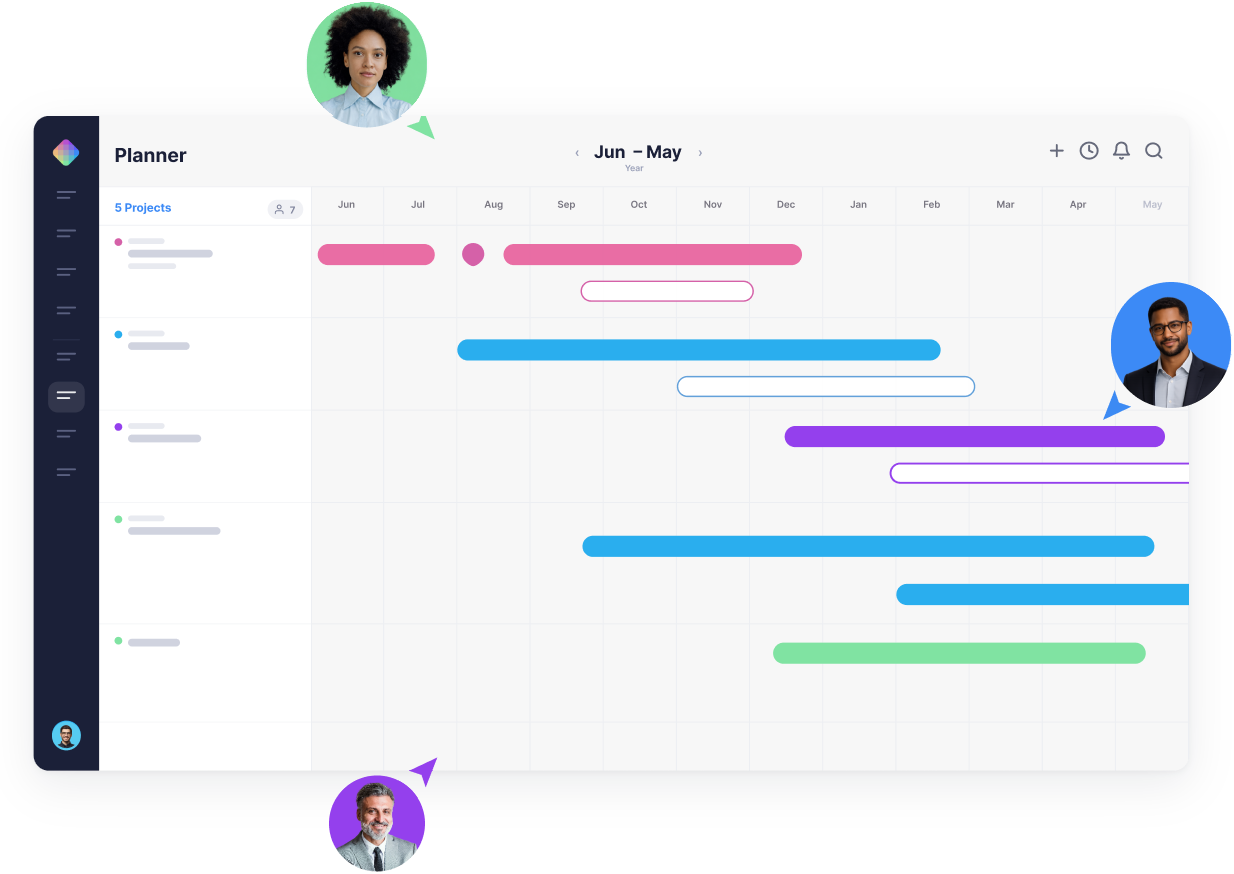
With every engagement’s end date and every consultant’s booked hours in one plan, Mosaic shows who rolls off in the next few weeks and which engagements in the pipeline could take them.
Chello, Mosaic’s AI planning assistant, asks engagement managers for updates in Microsoft Teams, so end dates stay current.
Bench time noticed after it has cost a week.
Who rolls off next, weeks ahead, with the work that could take them.
What staffing leads see in Mosaic:
- Consultants rolling off in the next four weeks
- Open roles on signed and proposed engagements
- Skills and availability across practices and offices
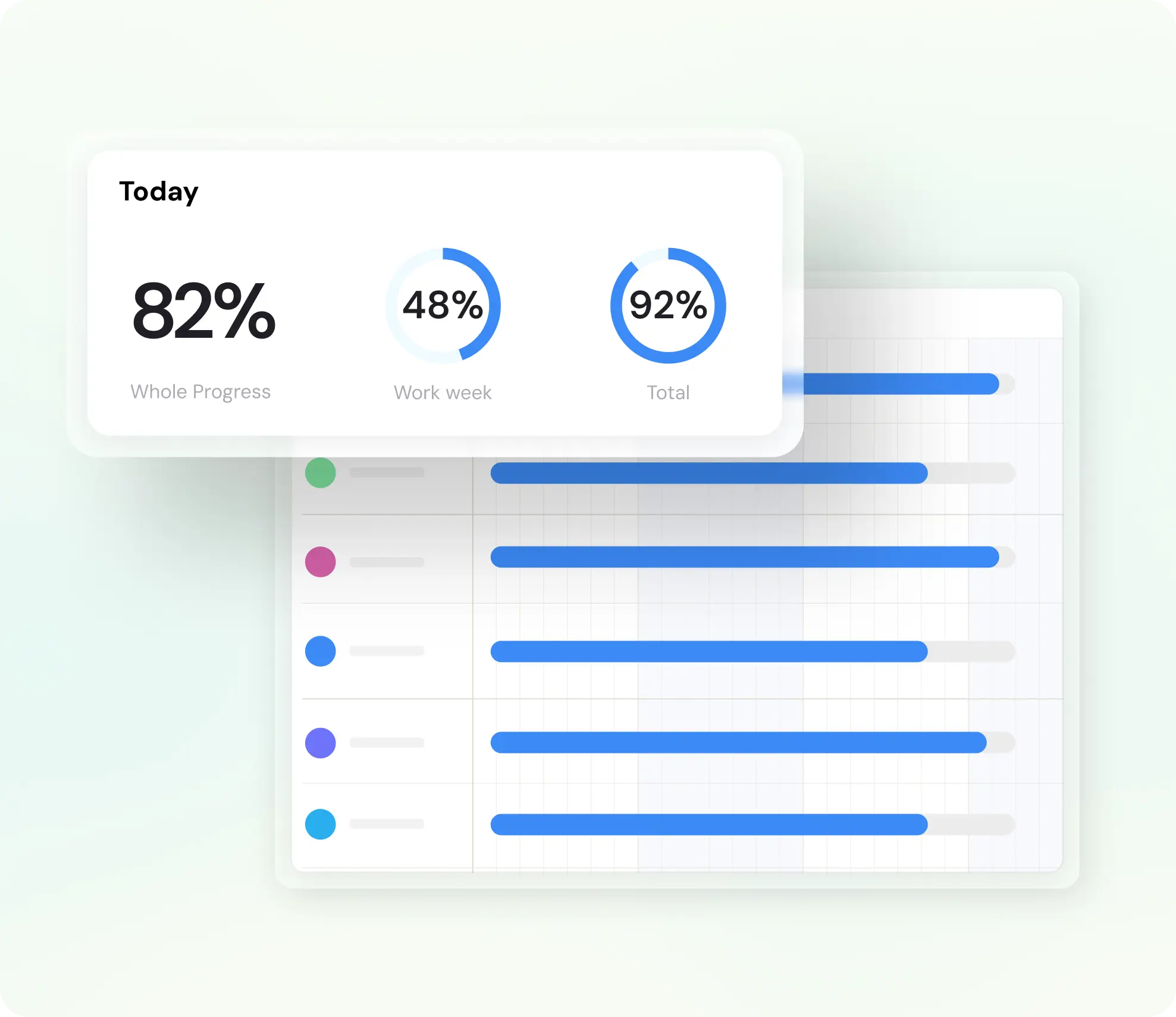
- Projected utilization by consultant and practice
- Engagements at risk on budget or deadline
Why do consulting firms plan in Mosaic?
Consulting firms plan in Mosaic because staffing, the bench and the forecast come from one live plan that reads the firm’s ERP as it is.

An ERP integration we build and run
Enterprise grade, with 99.9% reliability: Mosaic reads projects, people, roles, rates, budgets and actual hours from your ERP, and maintains the connection itself.

Staffing by skill
AI suggests consultants for each role by skill and availability, and engagements for people coming off the bench.

Roles before names
Plan the roles and hours for an engagement before it starts, then name the people when it’s won.

Across practices and offices
One plan for every practice and office, so a consultant in one can staff an engagement in another.
A forecast partners can trust
Revenue, utilization and hiring from the live plan. Within four months, a firm’s next-quarter forecast can be accurate to within about 3% to 4%.

A plan that stays current
Chello asks each engagement manager for updates in Microsoft Teams and changes nothing without approval.
How do consulting firms plan roles and hours for a new engagement before it starts?
They plan roles first and names later. In Mosaic, a proposed engagement sits in the plan weighted by its stage, with its roles and hours, so the firm can see whether it could staff the work before it wins it.
- Add the engagement from the pipeline, with its likely start date.
- Plan the roles and hours each phase needs.
- Check demand by role against the consultants who will be free.
- Name the consultants once it’s won, with AI suggesting who fits.
How do consulting firms plan staffing across offices and practices?
From one plan that every practice and office shares. Leaders see who is free across the firm by skill and role, and staff an engagement from another office when their own is full.
Utilization is measured the same way everywhere, so practices compare like with like.
What results have firms seen with Mosaic?
Firms on Mosaic plan 80% or more of their billable staff capacity, against under 50% at typical firms on ERPs and spreadsheets, and a quarter of them report their most profitable year ever.
Source: Mosaic planning data
80%+
of billable staff capacity planned at firms on Mosaic
Under 50%
planned at typical firms on ERPs and spreadsheets
1 in 4
firms on Mosaic report their most profitable year ever
Can a consulting firm replace its spreadsheets this quarter?
Yes. Consulting firms are integrated in days, trained and live in 30 to 60 days.
Mosaic imports your data, typically within 48 hours, and the ERP integration is in place within days.
Utilization targets for agencies and consulting firms · Project margin and budgets for services firms
- Connect Mosaic to the ERP, which brings in engagements, consultants, roles, rates, budgets and actual hours.
- Each engagement manager plans the next few weeks: who works on what, and how much of each consultant’s time is billable.
- Check projected utilization by consultant and practice, and fill the gaps before the weeks arrive.
- Retire the spreadsheets once managers update the plan instead.

“Knowing in advance when you’re going to need to hire in order to meet future backlog is to some extent the holy grail of the professional services industry.”
For firms that live and die by planning
Mosaic is for project-driven firms that value project and resource planning, management and forecasting. When people are your most valuable resource, and they determine what you can get done and when, you want the best tool for the job: one that gives you control over delivery when deadlines matter. Without one, firms leave $10k to $20k per employee on the table every year: the profit in five more points of utilization, according to the Resource Management Institute. And there’s much more to lose.
How is Mosaic priced?
Mosaic is priced in annual parts: a per-seat subscription, a platform fee and an optional ERP integration, which Mosaic owns and maintains. Onboarding and implementation is a one-time cost, scoped to the firm’s rollout, and the team sets out all of it in one quote. Firms who plan on Mosaic typically see 10 to 20x ROI in a full year, and full-priced plans are backed by a 5x money-back guarantee. The return comes from staffing projects before the work starts rather than after.
The per-seat rate steps down as headcount increases, and the platform fee funds onboarding, training, a Customer Success Manager, support and hosting.
Speak to the team to learn more.
What else do consulting firms ask about Mosaic?
Is Mosaic a good fit for consulting firms?
Yes, for consulting firms that sell their consultants’ time and staff engagements across practices and offices. Mosaic plans every consultant, suggests who fits each role and forecasts revenue and hiring from the plan.
Is Mosaic project management software for consulting firms?
It does project management too: phases, budgets, timelines and tasks, in the same plan as the consultants. Firms that keep a task tool for delivery keep it, and plan people and forecasts in Mosaic above it.
Does Mosaic do capacity planning for consulting firms?
Yes. It shows each consultant’s capacity against booked and proposed work, by practice, office and role, weeks and months ahead.
Does Mosaic replace our ERP?
No. The ERP stays the system of record for time, billing and accounting, and Mosaic reads from it.
Is Mosaic SOC 2 Type II?
Yes. Mosaic is SOC 2 Type II, uses encrypted, read-only ERP credentials and single sign-on, and its AI is never trained on your data.
Book a 20-minute demo
See every consultant’s next few months in one plan, starting from your own engagements.