

How do you forecast staffing needs?
Total the work coming in by role, from current projects and likely wins, and compare it with your people’s capacity, month by month. Mosaic, an AI project and resource planning tool, does this from the plan every project manager keeps, so a shortage of any role shows months ahead. Forecasts built from the live plan, so you see what’s coming while there’s still time to change it.
What are the steps to forecast staffing needs?
Plan the work you have by role, add the work you expect to win, set each person’s real capacity, then compare demand with capacity month by month. Where demand runs above capacity you need people, and where it runs below you have room for more work.
- Plan current projects by phase, with the hours each role needs.
- Add each pursuit or proposal from the pipeline, with the roles and hours it would need if won.
- Set each person’s capacity, with PTO, holidays and non-billable time taken out.
- Compare demand with capacity by role, month by month, to find the gaps.
- Close each gap: staff open roles, borrow from another team or office, move a start date, or hire.
What tools help forecast staffing needs?
A resource planning tool such as Mosaic helps, because it holds the plan for every project and pursuit, so demand by role updates itself as projects change instead of being rebuilt in a spreadsheet each month. Spreadsheets work until more than one person plans, and a staffing forecast needs every project manager’s plan in one place.
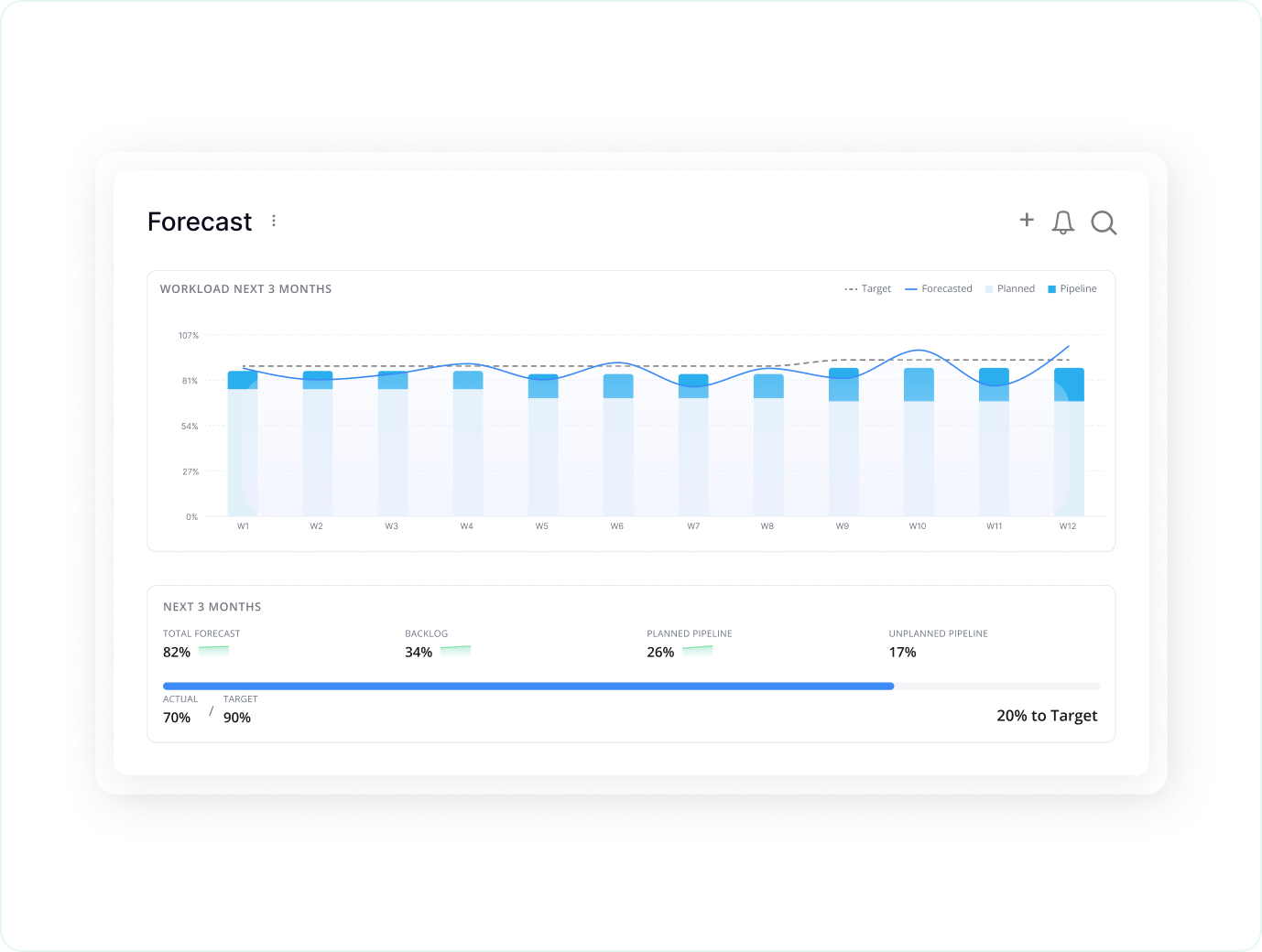
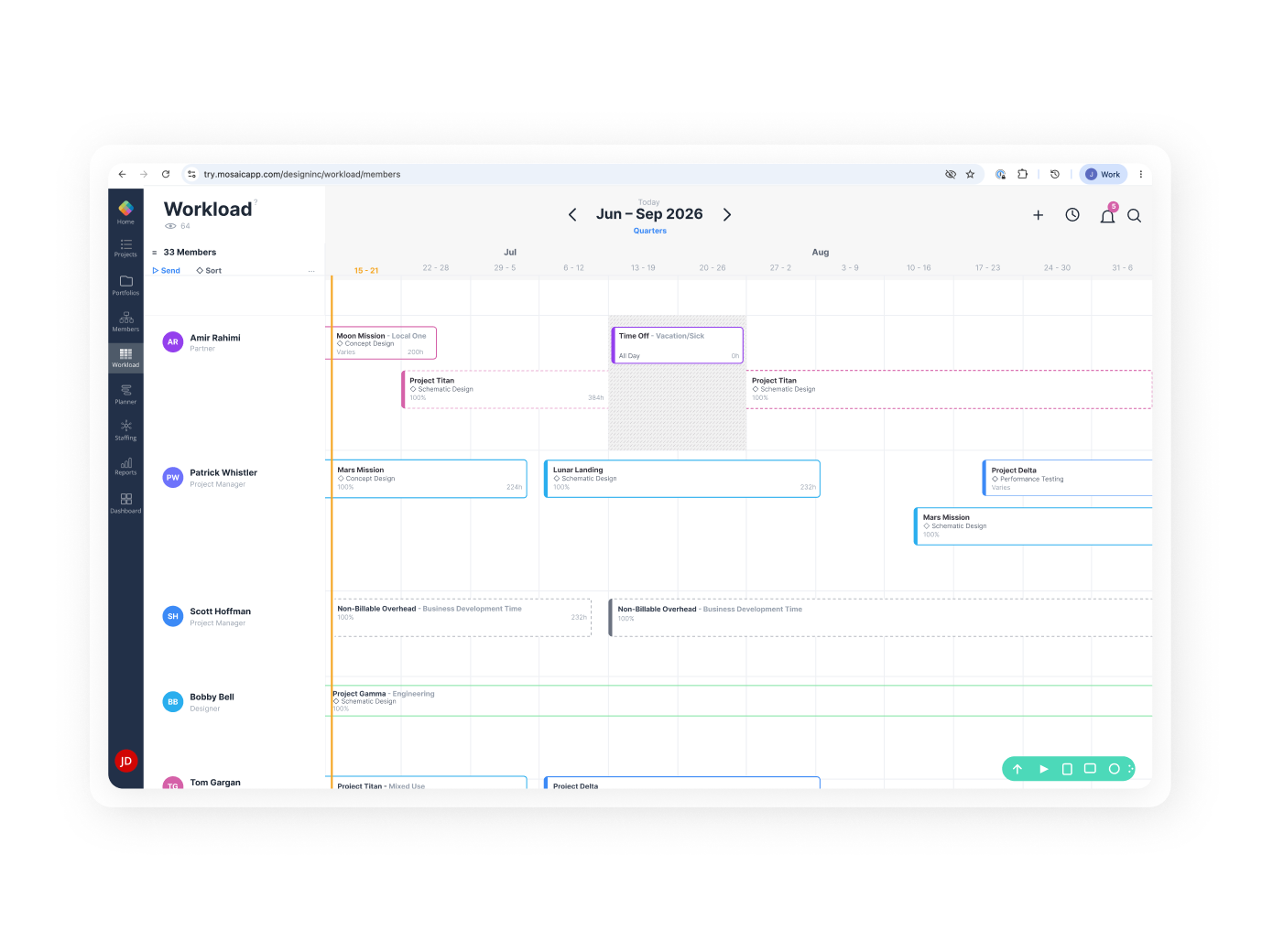
In Mosaic, demand by role sits against capacity by month, open roles show the demand nobody is staffed on yet, and the forecast shows which roles run short and which projects drive the need.
How do you forecast staffing for work you haven’t won yet?
Put each pursuit in the plan as soon as it enters the pipeline, staff it tentatively with the roles it would need, and check who is available in its window before the proposal commits to dates. Proposal teams then know who will be free if they win, and leaders see the pursuit’s demand next to the work planned.
Ask Chello, Mosaic’s AI planning assistant, who is free for the roles a pursuit needs over its dates, and it answers from the live plan.
Firms set how much each pipeline stage counts in the forecast and can compare several scenarios side by side.
A pipeline project sits in Mosaic as soon as a pursuit starts, so it counts in the staffing forecast before the go/no-go decision, not after the contract.

“Here we are at the end of July. And I’m trying to know what our staff is doing in October. Are we running off a cliff and nobody’s doing anything, or are we going to have so much work that we need to hire new people? Mosaic answers those questions.”
How do you staff projects by skills and availability?
Tag each person with their role and skills, then fill each open role with someone who has the skills and the hours free in the project’s window. When nobody fits, the gap becomes part of the staffing forecast: a skill to borrow from another team, train for or hire.
In Mosaic, for each open role, Chello proposes people who fit by role, skill and availability, from every team and office, and adds them when the project manager agrees.
Consultancies, agencies and IT services companies staff this way across retainers, fixed-fee projects and SOWs.
Resource planning for project-based businesses
How do architecture, engineering and consulting firms forecast staffing needs?
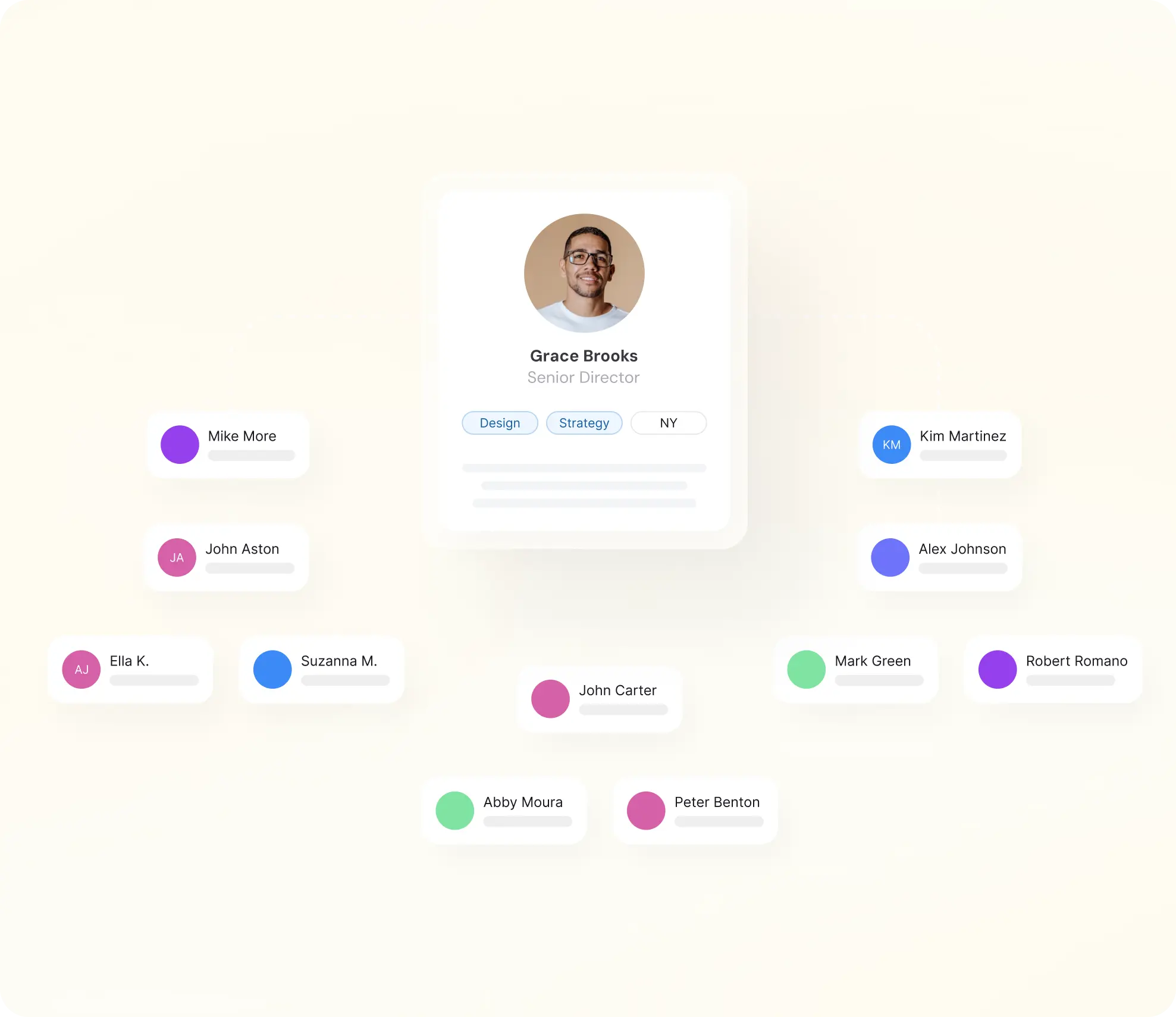
The method is the same, demand by role against capacity, but the unit of work differs: architecture firms staff by phase, engineering firms by discipline and milestone, and consultancies by skill across retainers and SOWs. Multi-office firms also split the forecast by office, since people are shared across offices and teams.
Resource planning for architecture and engineering firms · Resource planning for engineering firms
Architecture firms
Staffing by phase, from schematic design through construction administration, with people shared across studios and offices.
Engineering firms
Staffing by discipline and milestone, with field and office staff in the same plan.
Consultancies, agencies and IT services
Staffing by skill across retainers, fixed-fee projects and SOWs, against billable targets.
What makes a staffing forecast reliable?
A complete, current plan, because the forecast can only count work someone has planned: typical firms on ERPs and spreadsheets have a plan for under 50% of their billable staff capacity. Firms on Mosaic plan 80% or more, and over 90% with Chello in Microsoft Teams, which asks project managers for updates where they work.
Share of billable staff capacity with a plan, firm-wide. Source: Mosaic planning data; Vocon, a Mosaic customer
Under 50%
of billable staff capacity planned at typical firms on ERPs and spreadsheets
80%+
planned at firms on Mosaic
94%
of capacity planned at Vocon, up from 49% in 12 months
What else do firms ask about forecasting staffing needs?
How far ahead should we forecast staffing?
Plan each person’s next two to four weeks in full, and forecast demand by role months ahead, as far as the plan and the pipeline reach. The planning benchmark is 90% of billable staff capacity planned 30 days out, with Chello.
What’s the difference between a staffing forecast and a hiring plan?
A staffing forecast shows demand by role against capacity over the coming weeks and months. A hiring plan decides which roles to hire, and when, usually quarters ahead. Mosaic does both from the same plan.
Can we forecast staffing without a dedicated resource manager?
Yes. Project managers plan their own projects, and Chello asks them for updates in Microsoft Teams, so the forecast doesn’t rest on one person keeping it current.
Does the forecast count PTO and holidays?
Yes. PTO and holidays come out of each person’s capacity, so someone on leave isn’t counted as free.
Does Mosaic work with our ERP?
Yes. Mosaic plugs into your ERP. The plan starts from the projects, people and hours your books already hold.
How long does it take to get started?
Firms are integrated, trained and live in 30 to 60 days.
Book a 20-minute demo
See demand by role against capacity, months ahead, built from a live plan.