

Resource planning for architecture firms
Mosaic is an AI project and resource planning tool that plans architecture firms’ people phase by phase, from schematic design through construction administration.













Architects and designers are shared across projects, studios and offices. Mosaic holds each phase’s fee and team in one plan, with who’s free in the months ahead and who’s overbooked.
How do architecture firms choose resource planning software?
From a small studio to a mid-sized, multi-office practice, architecture firms look for software that plans each project phase by phase against its fee, staffs every phase with the right architects and designers, and keeps every studio and office in one plan. In Mosaic, resource management, workforce planning and project staffing all come from that one plan.
For cost, time to go live and sharing people across offices, see Resource planning for architecture and engineering firms.

Phases from SD to CA
Set up every project phase by phase, schematic design through construction administration, with a fee and hours by role on each.

The right architects and designers
Staff each phase by role, skill and availability, from project architects to junior designers.

Every studio and office
Share people across studios and offices when a deadline needs more hands than one team has.

Your practice management system
Mosaic plugs into your ERP. Time, billing and accounting stay where they are.

A plan PMs keep current
Chello, Mosaic’s AI planning assistant, asks each PM in Microsoft Teams what changed. One reply gets the plan to match reality.
Hiring, months ahead
See which roles run short next quarter, and when to hire, from the same plan.
What should a small design firm use for practice management and resource planning?
A small design firm keeps its books in practice management software such as Ajera or BQE CORE, and plans its people in a resource planning tool that reads from it. Mosaic plugs into Ajera, BQE CORE and Deltek Vantagepoint, so the studio plans its phases and people from the projects and time already recorded there.
ERPs record what happened. Mosaic helps you run the firm.
Deltek Vantagepoint
Vantagepoint stays the system of record for projects, time and billing, and Mosaic reads what planning needs from it, from phases and roles to budgets, fees and time.
Ajera
Ajera keeps the books, and Mosaic reads what planning needs from it, such as projects, people and time.
BQE CORE
BQE CORE keeps time, billing and accounting, and Mosaic reads what planning needs from it, such as projects, people and time.
How does an architecture firm with no resource manager keep its staffing plan current?
At an architecture firm with no resource manager, each project manager plans their own projects, and Chello asks them in Microsoft Teams what changed, so one reply gets the plan to match reality. Principals see every PM’s projects in one view, and no single person has to keep the whole plan up to date.
People never seem to have time to keep up on planning. Chello brings the question to them, where they already work.
Firms on Mosaic plan 80% or more of their billable staff capacity, against under 50% at typical firms planning on ERPs and spreadsheets, and over 90% with Chello in Microsoft Teams.


“As a PM group, we meet every Thursday and go through each person individually on Mosaic to help when people get overloaded and make sure their workload is balanced.”

How do mid-size architecture firms see who’s working on what over the next three months?
Mid-size architecture firms use a resource planning tool that shows every project’s phases and the people staffed on them, week by week, so the next three months sit on one timeline instead of in spreadsheets. Workload views in Mosaic show each person’s planned hours against capacity, so open weeks and overbooked ones stand out.
Filter by office, region or department, and the same plan shows one team’s next three months or the whole practice’s.
How do architecture firms set up SD, DD, CD and CA phases with fees and staffing?
Architecture firms give each phase (SD, DD, CD and CA) its own fee, turn that fee into hours by role, then put people on those roles. In Mosaic, every phase holds its budget in hours and fees, the people on it and its dates, and actual hours are tracked against that budget as the work happens.
Start each project from the firm’s standard phases, schematic design, design development, construction documents and construction administration, and add sub-phases or additional services where a project needs them.
When a phase slips, Mosaic’s patented automatic rescheduling moves the work and the people after it.

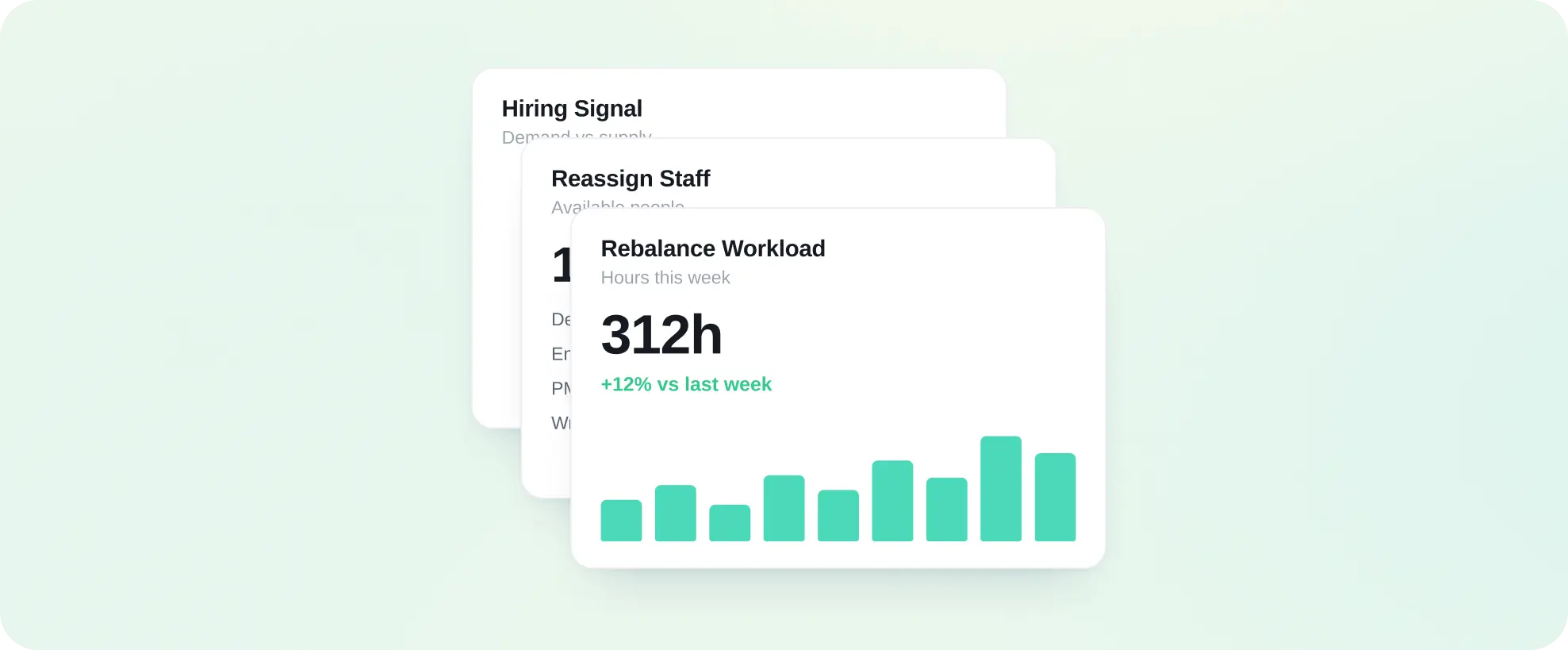
How do architecture firms forecast staffing needs and when to hire?
Architecture firms total the hours each role needs across the backlog and the pipeline, phase by phase, and compare that demand with the architects and designers on staff, month by month. The month a role runs short and stays short is when to hire, and Mosaic shows it from the live plan, with the projects behind it.
Forecasts built from the live plan, so you see what’s coming while there’s still time to change it.
Pursuits go into the plan as soon as they enter the pipeline, so a proposal’s staffing counts in the forecast before the go/no-go decision.
What utilization rate should architecture firms target, and how do they raise it?
Architecture firms set utilization targets by role, with production staff carrying the highest and principals the lowest, and calculate it as billable hours divided by available hours after PTO and holidays. They raise it by planning more of each person’s time, because weeks nobody planned tend to go unbilled: CetraRuddy went from 77% to 90% utilization.
Firms on Mosaic generally run 5 to 10 points above average utilization. Planning is the key to increasing utilization. Mosaic reports utilization by person, role, department and office, planned and actual.
What is utilization rate? · The 2026 PSMJ and Deltek utilization benchmarks
| Planned utilization | Actual utilization | |
|---|---|---|
| Where it comes from | The schedule: billable hours already planned | Time entries: billable hours recorded |
| Which way it looks | Forward, over the weeks ahead | Back, over weeks already worked |
| What firms do with it | Fill open weeks before they go unbilled | Check the plan against what happened |
How do architecture firms keep their most in-demand people from overload and burnout?
Architecture firms compare each person’s planned hours with their capacity across all projects, weeks ahead, so the project architect on every deadline stands out before the work piles up. In Mosaic, PTO and holidays come out of capacity and non-billable time is planned too, so work can be shared across the studio before anyone is overloaded.
A heat map of each person’s planned share of capacity, week by week, makes overbooked weeks easy to see and rebalance by role and skill.

What results do architecture firms see?
CetraRuddy went from 77% to 90% utilization and had its best year in 38 years, and Vocon went from 49% to 94% of its capacity planned in 12 months. CPL, an architecture, engineering and planning firm, spends 75% less time managing resources across its nine practices.
Source: CetraRuddy, Vocon and CPL, Mosaic customers
90%
utilization at CetraRuddy, up from 77%
94%
of capacity planned at Vocon, up from 49%
75%
less time managing resources at CPL
What else do architecture firms ask?
Does Mosaic replace our practice management software?
No. Mosaic plugs into your ERP, and your practice management system keeps time, billing and accounting as it does today. Mosaic is where the firm plans who works on which phase next.
Can each office see its own workload?
Yes. People, projects and roles can carry office, region and department tags, and views and reports filter by them, so each office sees its own work and principals see the whole practice.
How long does it take an architecture firm to go live?
Firms are integrated, trained and live in 30 to 60 days. Training for project managers and principals is part of the rollout.
How is Mosaic priced?
Mosaic is priced in three annual parts: a per-seat subscription, a platform fee and the ERP integration, which Mosaic owns and maintains. Onboarding and implementation is a one-time cost, scoped to the firm’s rollout. Firms who plan on Mosaic typically see 10 to 20x ROI in a full year.
Book a 20-minute demo
See how Mosaic would plan your firm’s projects from SD through CA, with the right people on every phase.